NSIS installer
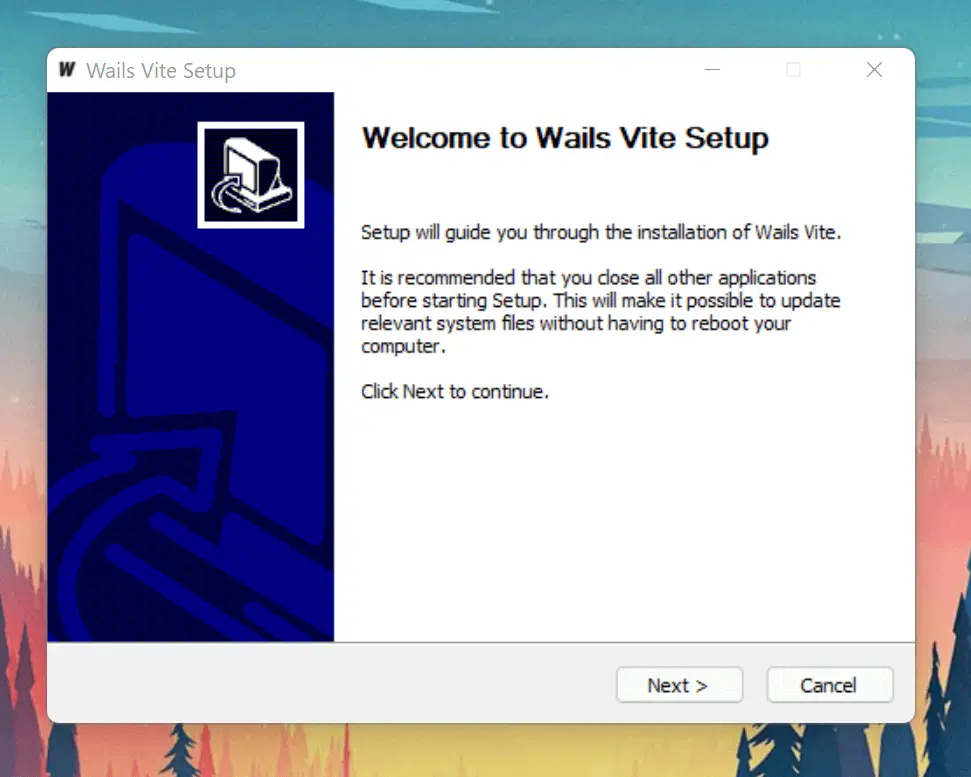
Wails supports generating Windows installers using the NSIS installer.
Installing NSIS
Windows
The installer is available on the NSIS Download page.
You can install with Scoop (which will automatically add it to your PATH):
scoop add bucket extras
scoop install nsis
Or, you can use Winget (on Windows 10+):
winget install NSIS.NSIS --silent
If you use the chocolatey package manager, run the following script:
choco install nsis
NOTE: If you install NSIS manually, you need to add the Bin folder, which contains makensis.exe, in your NSIS installation to your path. Here is a good tutorial on how to add to path on Windows.
Linux
Пакет nsis должен быть доступен через менеджер пакетов вашего дистрибутива.
MacOS
NSIS is available to install through homebrew: brew install nsis.
Generating the installer
When a new project is created, Wails generates the NSIS configuration files in build/windows/installer. The config data is read from installer/info.json and that is configured to use the project's wails.json Info section:
// ...
 "Info": {
    "companyName": "My Company Name",
    "productName": "Wails Vite",
    "productVersion": "1.0.0",
    "copyright": "Copyright.........",
    "comments": "Built using Wails (https://wails.io)"
  },
To generate an installer for your application, use the -nsis flag with wails build:
wails build -nsis
The installer will now be available in the build/bin directory.